How to add orders to an existing invoice
-
Open the Accounting View
-
Open widgets “1 – Orders to be invoiced” and “2 – Orders to be invoiced (monthly)”
-
From the widgets:
-
Click on the blue sheet invoice icon
 of an order to add it to an existing invoice.
 -
Select the existing invoice to add the order to
Tip: Type the invoice number in the search bar (top right corner)
-
Click on “OK”
-
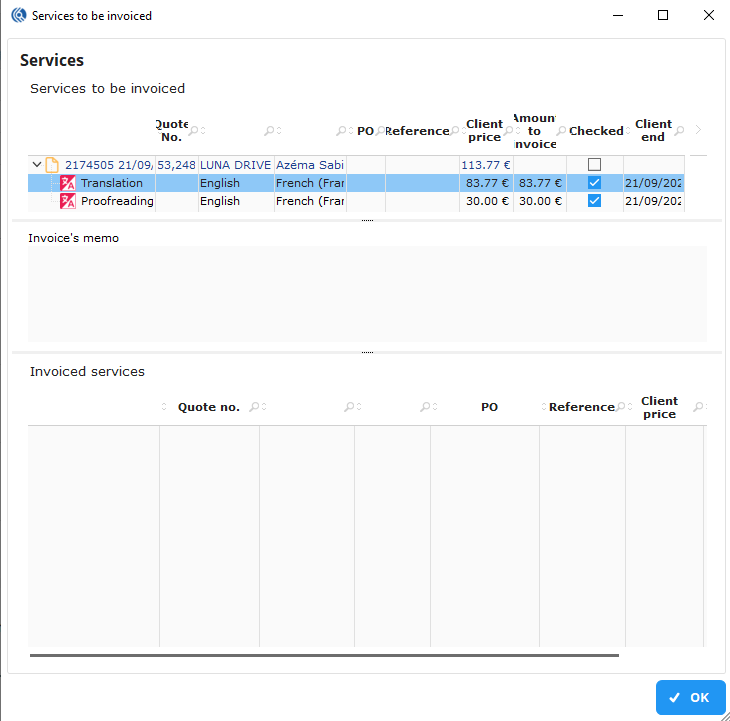
In the window “Service to be invoiced”: double-click on the services/orders to add them
-
Click on “OK” to validate
NB: Find the updated invoice in the widget by clicking on the + button to deploy.